Import all your listings at once
Add every listing from your closet or active-listings page in one click, or upload a CSV. The same item on several sites becomes one item.
Alerts work best when your inventory is in Sold Elsewhere: then a sale shows exactly which bin to grab and the exact listings to end. Without inventory you still get alerts, with links to each site’s listings page.
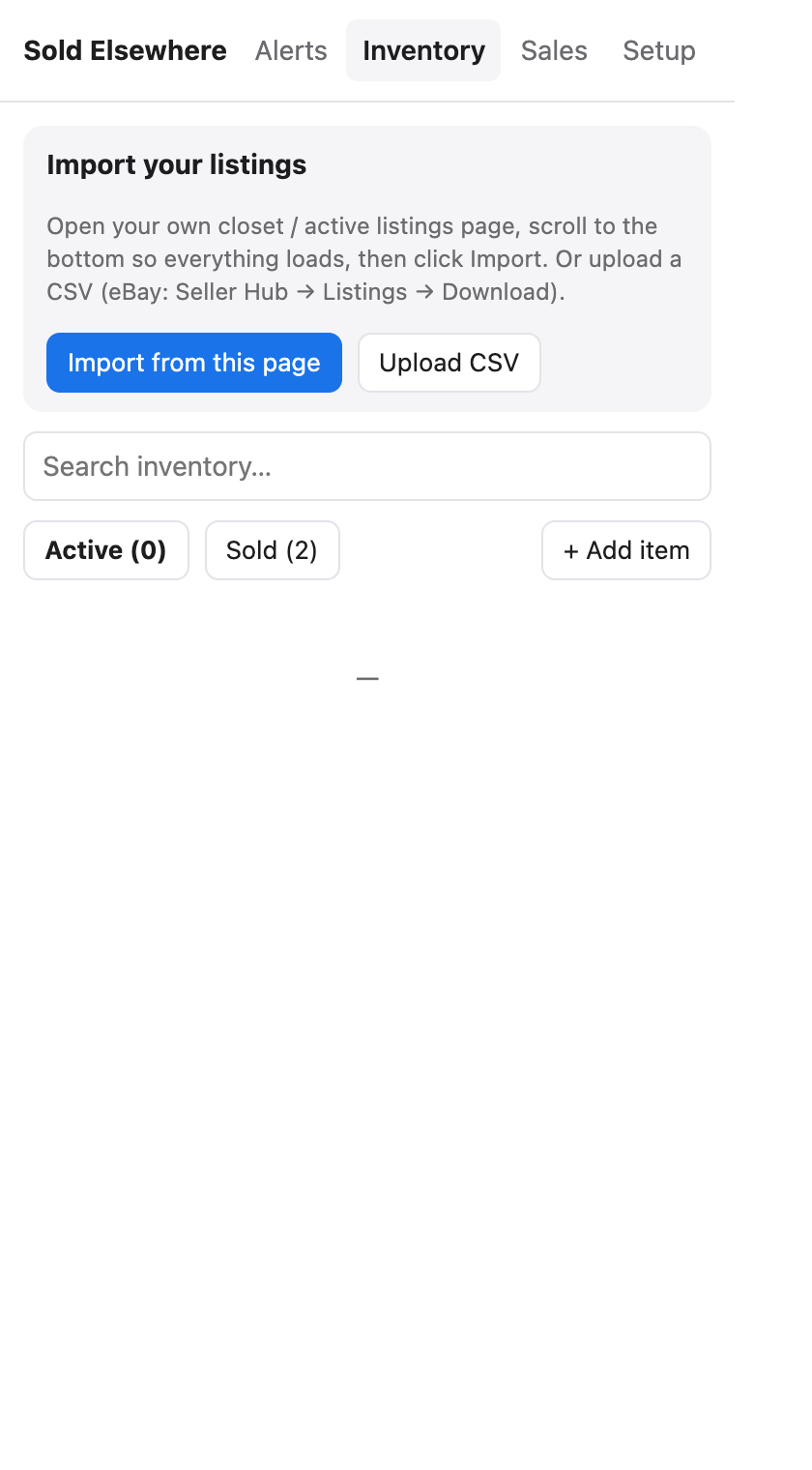
Import from a marketplace page
- Open your own listings page on a marketplace, for example:
- Poshmark: your closet
- Mercari: your profile or Listings → Active
- eBay: Seller Hub → Listings → Active
- Depop: your shop
- Etsy: Shop Manager → Listings
- Scroll to the bottom so every listing loads (most sites load more as you scroll).
- Click the Sold Elsewhere icon → Inventory → Import from this page.
- Check the count (“Found 37 Poshmark listings”) and click Import 37.
- Repeat on each marketplace you sell on.
When you import from the second site, matching titles join the same item instead of creating duplicates, so the item ends up with links to every site it’s listed on. The result shows how many were new, how many were linked to items you already had, and how many were skipped because you’d already imported them.
Sold Elsewhere reads the page only when you click Import, and only the listing titles and links.
Import a CSV
Click Upload CSV. We need a Title column. These columns are used if present:
| Column (any of these names) | Used as |
|---|---|
| Title, Item title, Listing title, Name | Item title (required) |
| Custom label, SKU | SKU (matches even when titles differ) |
| Bin, Location, Storage | Bin |
| Cost, Purchase price, COGS | Cost |
| URL, Link | Listing link |
eBay export: Seller Hub → Listings → Active → Download (CSV). Upload it as-is.
Limits
- Up to 1,000 rows per import (import again for more).
- Up to 5,000 items per account.
Next: add bins and SKUs.